|
|
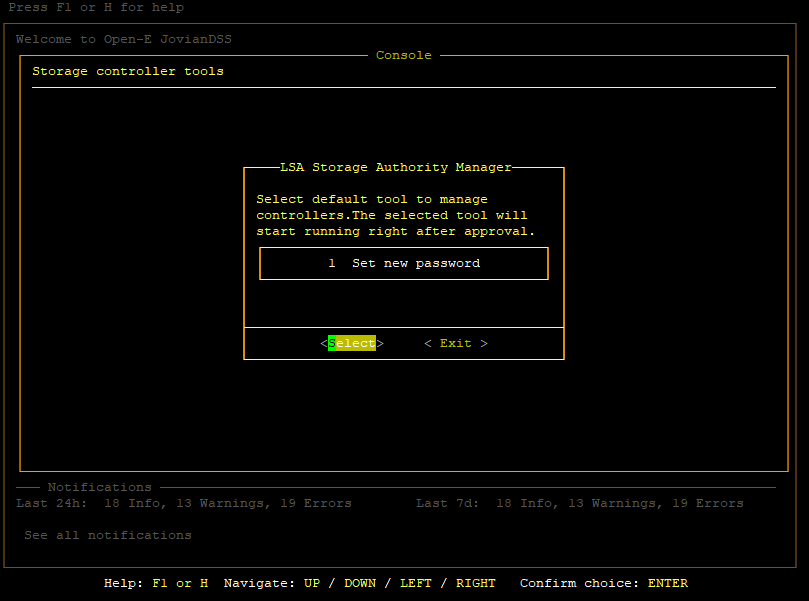
When replacing a disk connected through a RAID controller to your storage system it is necessary to perform additional steps for the system to recognize the disk properly. If the following steps are not performed, the disk will not be listed under Open-E JovianDSS. By default Open-E JovianDSS uses LSA Storage Authority - the Web GUI is accessible under port 9000: http://Open-E_JovianDSS_IP_addr:9000 (NOTE: it is mandatory to use http in the URL address as https will not allow for Web GUI access) Once the disk is physically replaced in the enclosure go to the Web GUI of your controller. The default username and password are: username: root password: admin the password can be changed in our TUI console under ctrl-alt-R > LSA Storage Authority > Set new password:
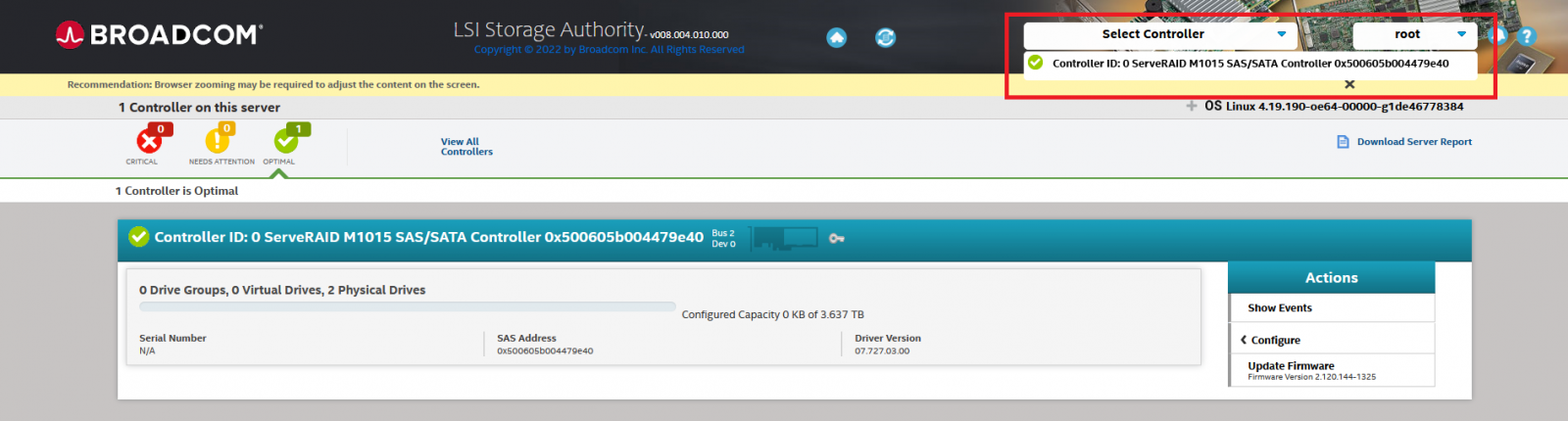
You will be prompted to provide your new password twice. Once you are logged in, go to Select Controller > your controller model:
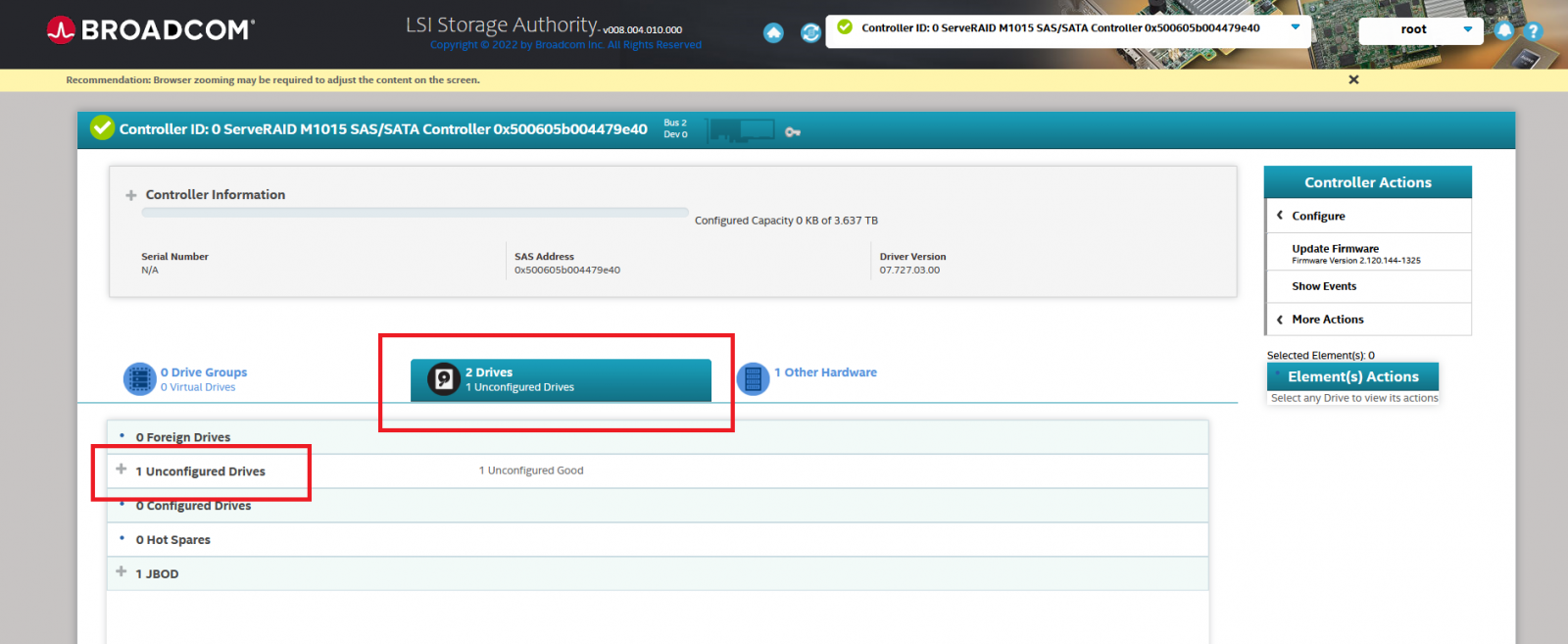
Go to “Drives” tab and check for “Unconfigured drives”:
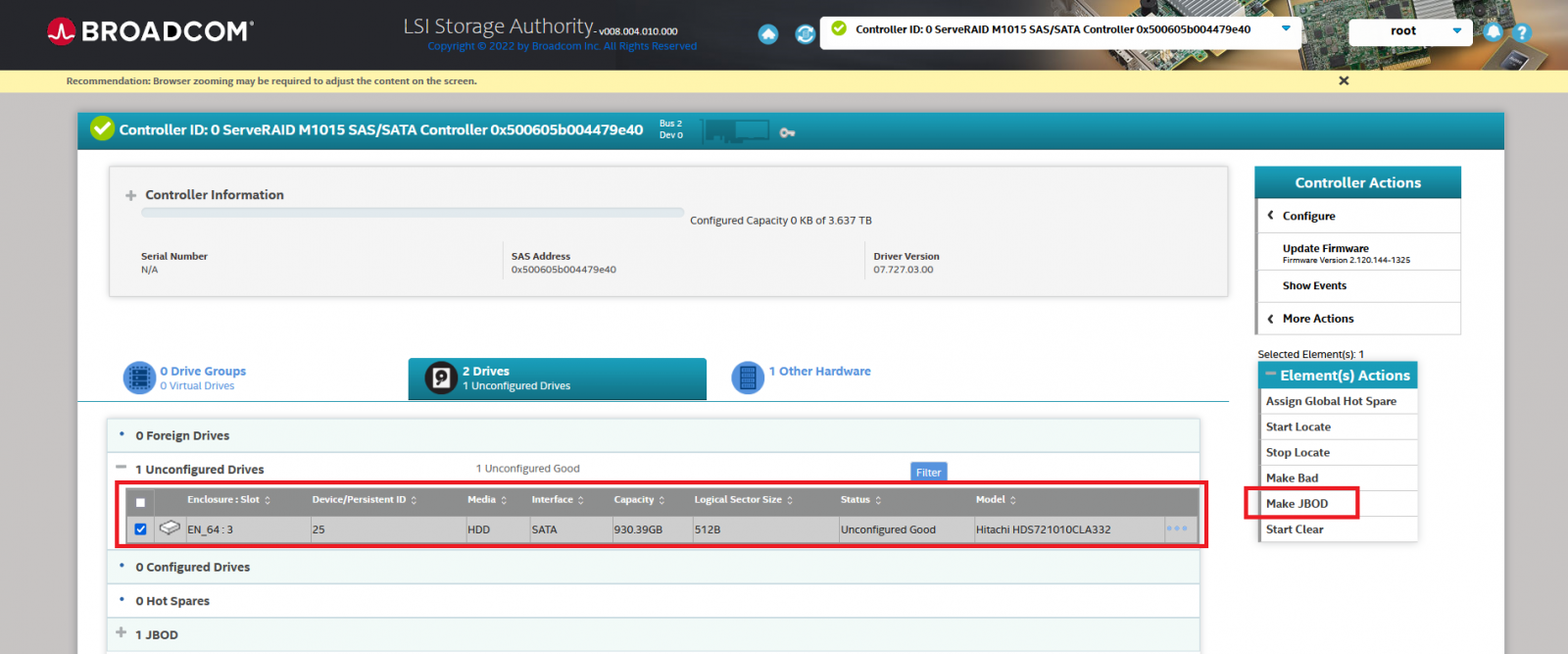
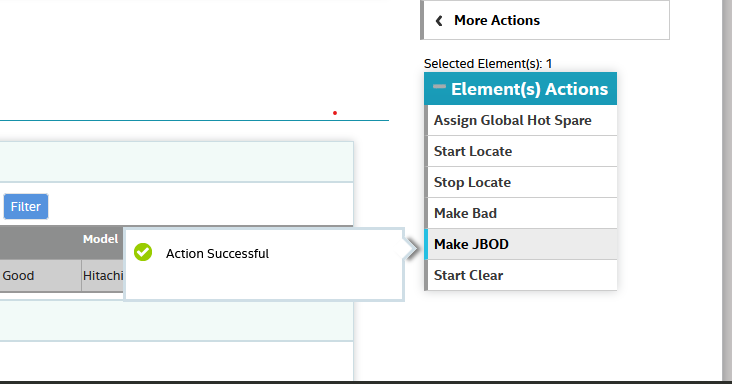
Tick the replaced disk and choose the “Make JBOD” option from the menu on the right:
Once the process is done you will get a following message:
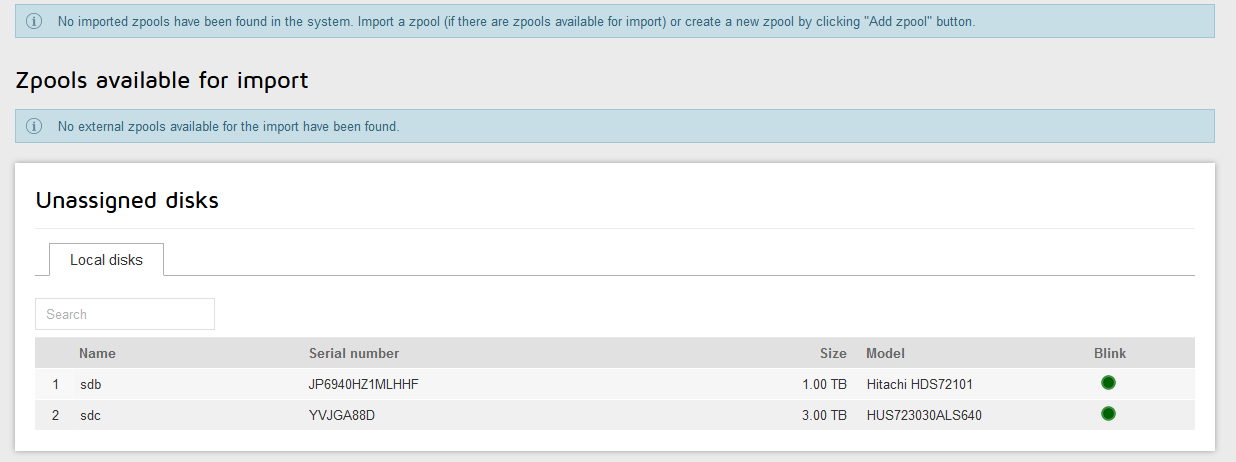
And the disk will be listed in Open-E JovianDSS:
|